5 Best Bootstrap Dashboards in 2026
Explore the best Bootstrap dashboards in 2026, compare system-based and template-driven approaches, and see why Webpixels is the right choice for scalable, production-ready dashboards.
Published December 30, 2025 in Development
Dashboards are everywhere. From SaaS products and internal tools to analytics platforms and CRMs, the dashboard is often the most used part of an application.
If you are building dashboards with Bootstrap, you are not taking the easy route. You are taking the practical one.
Bootstrap gives you a predictable layout system, mature UI primitives, and a massive ecosystem. When combined with a solid dashboard foundation, it lets teams ship fast without fighting their CSS every day.
This guide covers:
- What a Bootstrap dashboard really is
- Why Bootstrap still makes sense in 2026
- The best Bootstrap dashboard solutions available today
- Clear pros and cons for each option
Let's dive in.
What Is a Bootstrap Dashboard?
A Bootstrap dashboard is an admin or control interface built on top of Bootstrap’s grid, utilities, and components.
In practice, this means:
- Layouts are powered by the grid system
- Spacing, typography, and colors use utility classes
- UI primitives like cards, tables, modals, and forms are reused everywhere
- Responsiveness works by default
A good Bootstrap dashboard lets you focus on application logic instead of constantly rethinking layout and styling decisions.
Why Bootstrap Still Makes Sense for Dashboards
Despite newer CSS frameworks and design trends, Bootstrap continues to be a strong choice for dashboards.
Reasons developers still choose Bootstrap
Predictable layout system
You always know how rows, columns, and breakpoints behave.Stable API and long-term support
Bootstrap evolves carefully and avoids breaking existing projects.Massive ecosystem
Dashboards, plugins, and integrations already exist for most use cases.Framework agnostic
Works equally well with Laravel, Rails, Django, React, Vue, or plain HTML.
For dashboards that need to scale, stay maintainable, and onboard new developers quickly, these are real advantages.
The Best Bootstrap Dashboard Solutions
Below are some of the strongest Bootstrap dashboard options available today, starting with a system-first approach and followed by traditional templates.
1. Webpixels
Webpixels is not just a dashboard template. It is a system-first Bootstrap UI library designed for real products that evolve over time.
Instead of shipping a single admin layout, Webpixels provides reusable components, layout primitives, and consistent design rules that can be used across dashboards, settings pages, onboarding flows, and marketing pages.
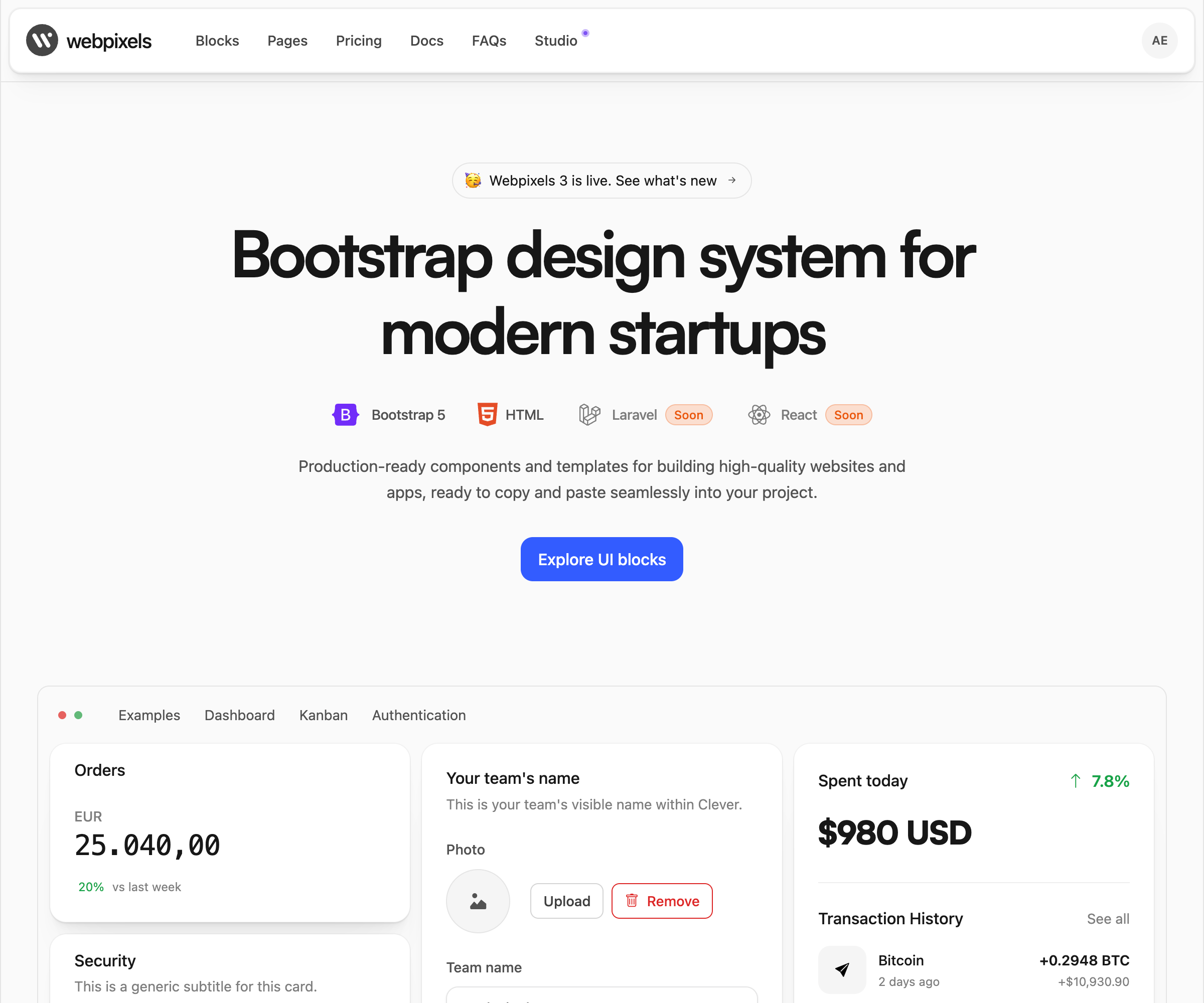
webpixels.io — From €8/month or €179 lifetime
Under the hood, Webpixels is built around Bootstrap 5 utilities and encourages composition over duplication. Components are designed to be extended, themed, and reused without introducing custom CSS debt, making it suitable for teams that care about maintainability.
Webpixels pros
- Component-driven architecture instead of page-based layouts
- Minimal custom CSS, heavy use of Bootstrap utilities
- Centralized spacing, color, and typography scales
- Easy to extend and refactor without breaking existing UI
- Works cleanly with Laravel Blade, React, Inertia, and plain HTML
- Same system can power dashboards and public-facing pages
Webpixels cons
- No single prebuilt template with bloated files
- Requires thinking in systems instead of copying layouts
Best for
SaaS products, internal tools, dashboards, and marketing sites that are expected to grow in scope.
Example: Bootstrap Kanban Dashboard
Webpixels includes ready-made patterns for building interactive Bootstrap dashboards, including Kanban-style workflows commonly used in project management tools, CRMs, and internal admin panels.
A typical Kanban dashboard built with Webpixels uses:
- Bootstrap grid and utilities for responsive columns
- Reusable card components for tasks
- Status-based color tokens for visual grouping
- Drag-and-drop friendly markup that integrates easily with JS libraries
- Consistent spacing and typography across lanes and items
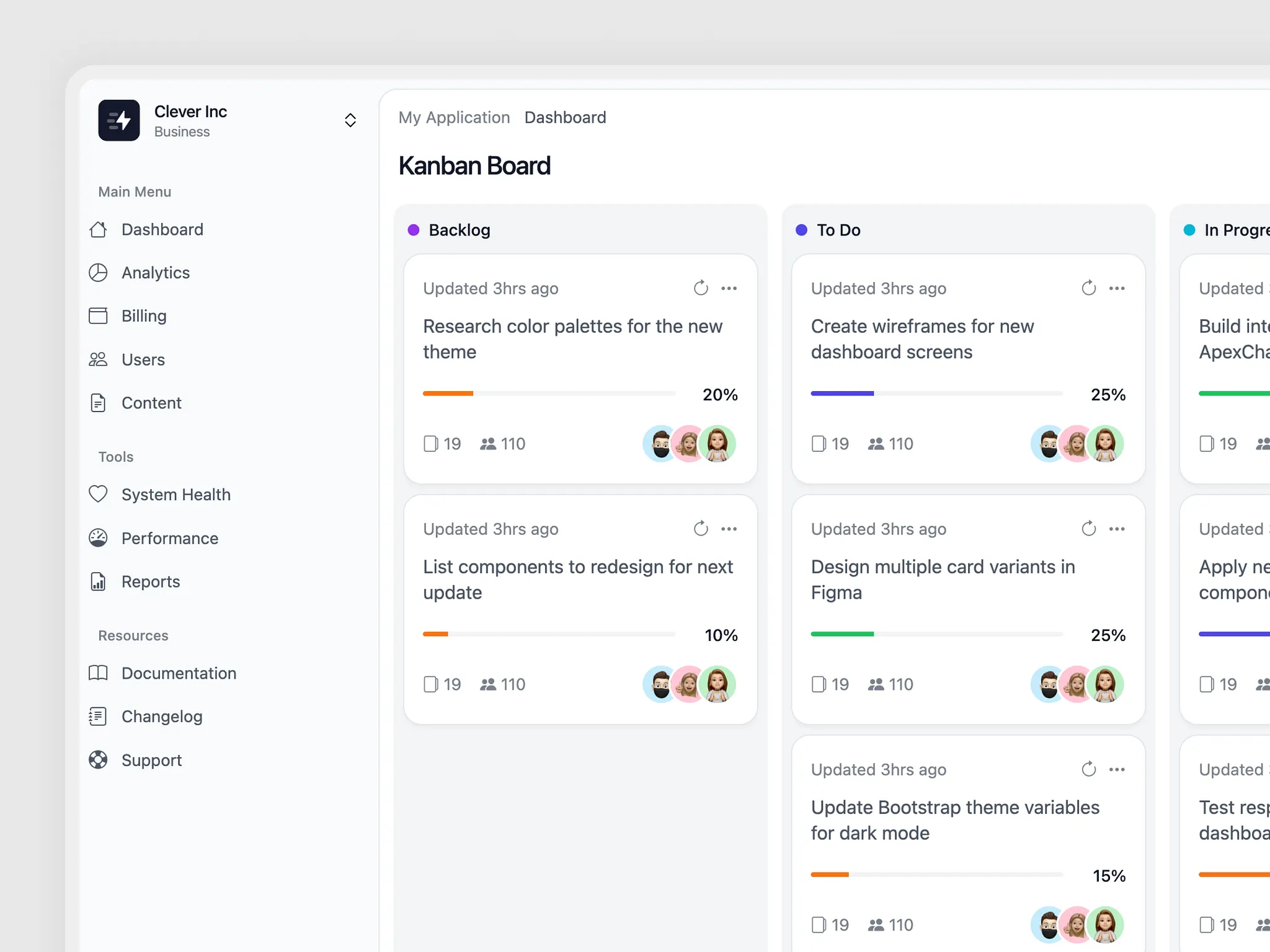
Because the Kanban layout is composed from atomic components rather than a fixed page template, it’s easy to extend. You can add assignees, due dates, filters, or analytics panels without rewriting the layout or breaking visual consistency.
This makes Webpixels well suited for building real-world Bootstrap dashboards where layouts evolve over time instead of staying static.
See the live example and play with the code
2. CoreUI
CoreUI positions itself as a professional-grade Bootstrap admin framework aimed at enterprise and long-lived internal applications.
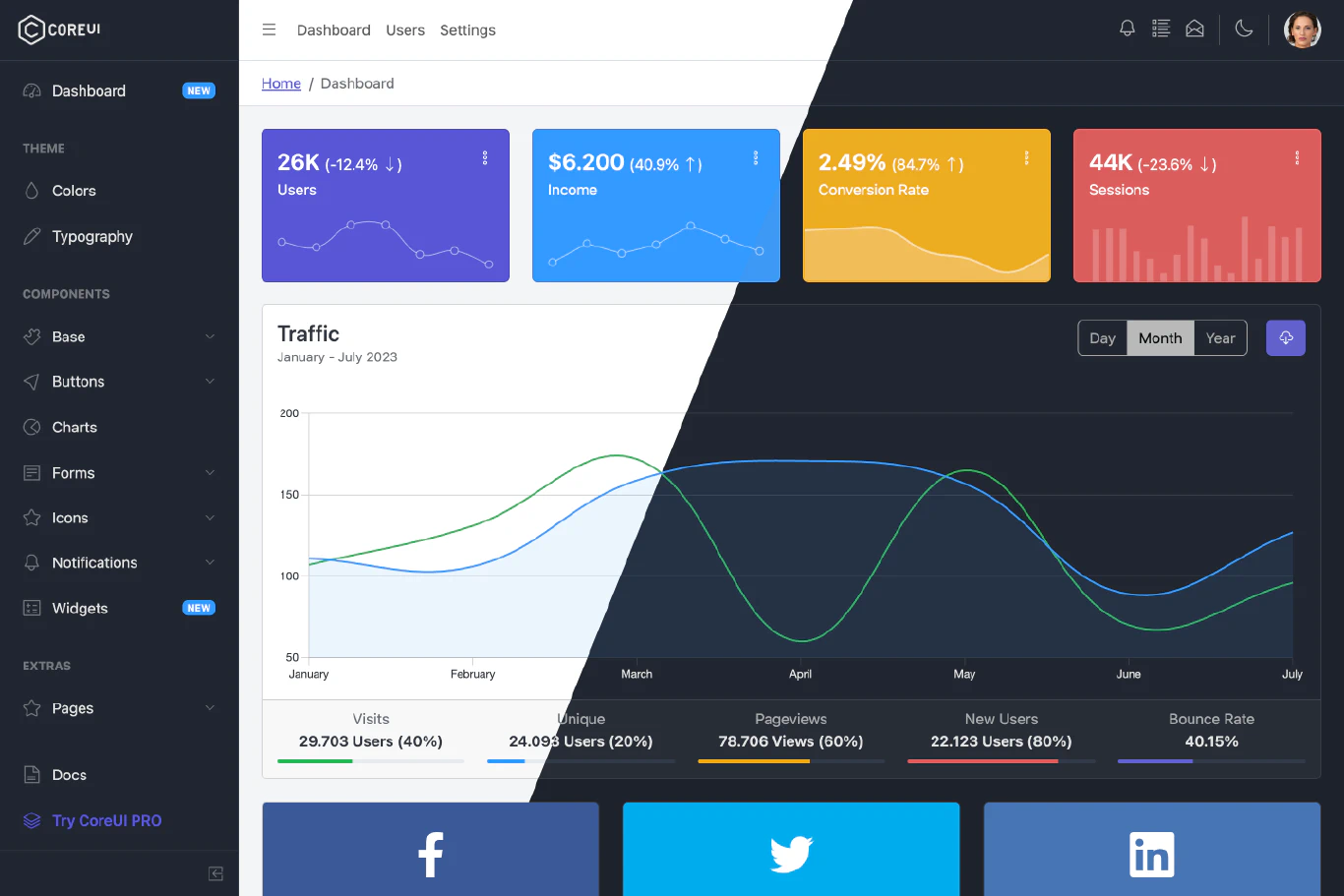
coreui.io — From $228/year per developer
CoreUI pros
- Structured abstraction layer on top of Bootstrap
- Sass-powered theming and layout containers
- Built-in dark mode and accessibility support
- Strong documentation for larger teams
CoreUI cons
- Opinionated component API
- Heavier abstraction than vanilla Bootstrap
- Can feel over-engineered for smaller dashboards
Best for
Enterprise dashboards and internal tools with long-term maintenance needs.
3. Tabler
Tabler is a modern Bootstrap 5 dashboard focused on clarity, spacing, and readability, with minimal JavaScript and clean markup.
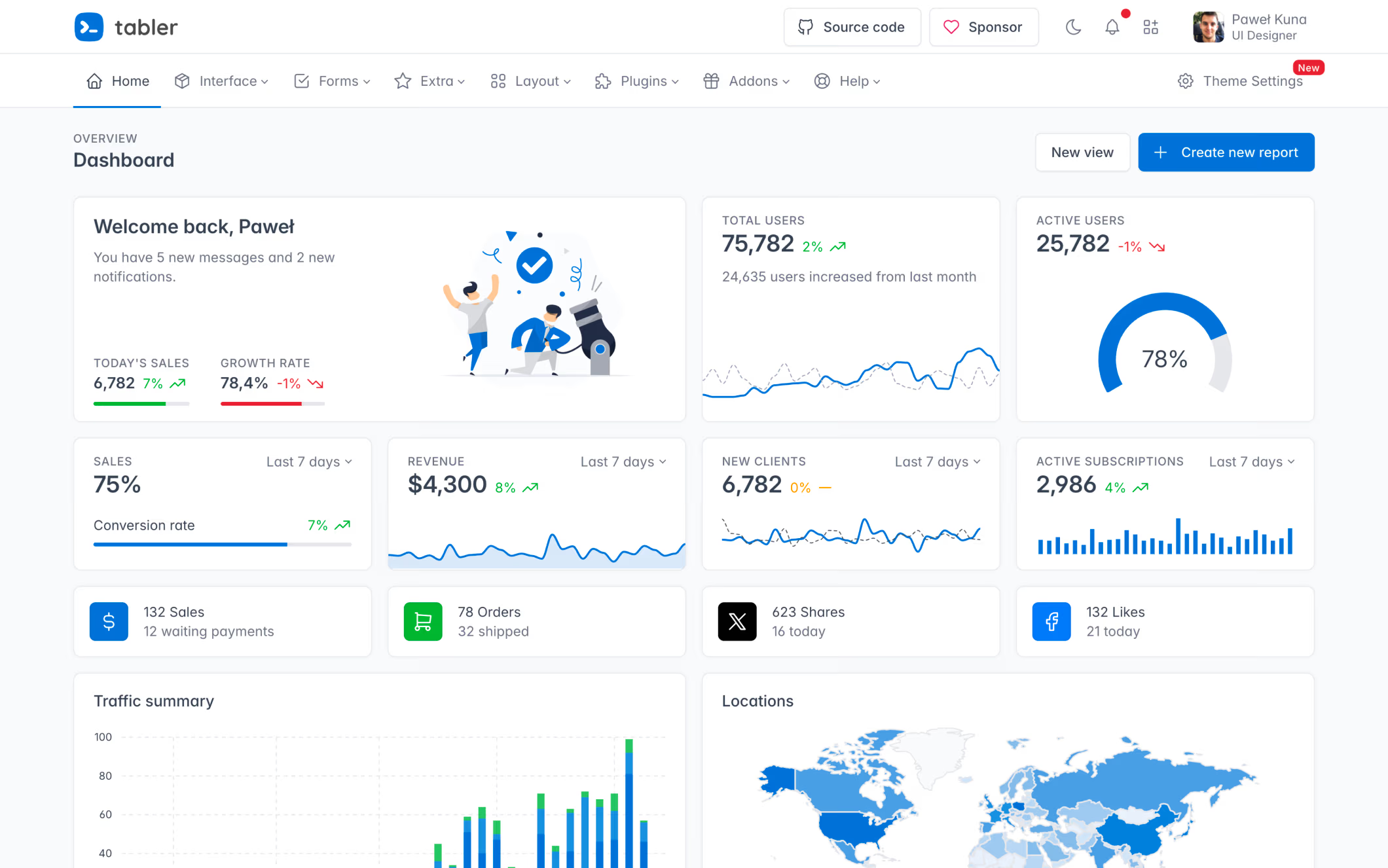
tabler.io — From $29 one-time
Tabler pros
- Semantic HTML and clean structure
- Minimal JavaScript footprint
- Excellent default spacing and typography
- Easy to integrate into existing apps
Tabler cons
- Smaller ecosystem
- Limited advanced UI patterns
- Requires custom work for complex dashboards
Best for
SaaS dashboards where clarity and performance matter.
4. SB Admin 2
startbootstrap.com — Free
SB Admin 2 is a simple Bootstrap dashboard starter focused on approachability and fast setup.
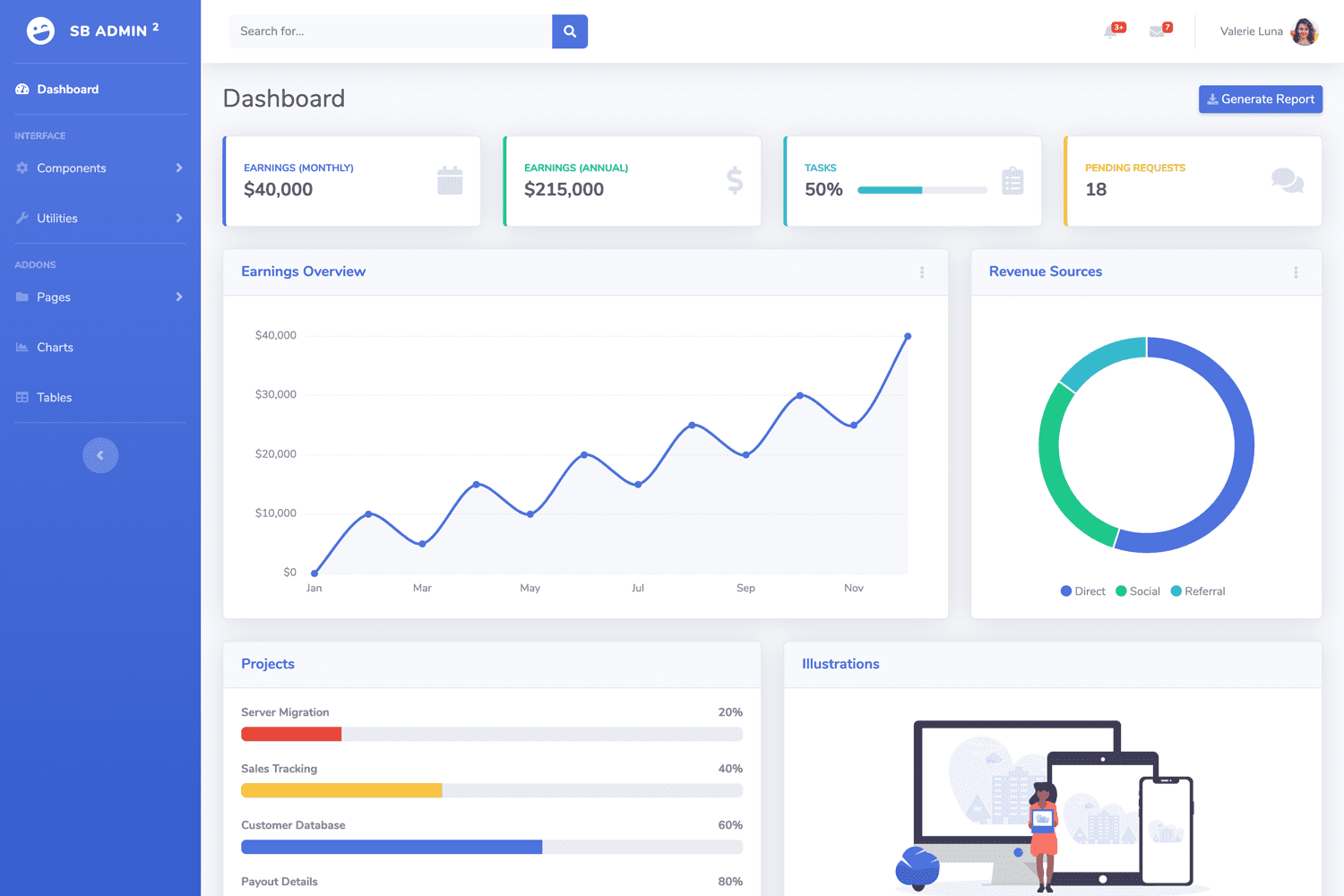
SB Admin 2 pros
- Very small footprint
- Easy-to-read codebase
- Fast setup for internal tools
SB Admin 2 cons
- No system-level abstractions
- Limited component set
- Not suitable for long-term products
Best for
Prototypes, learning projects, and small internal tools.
5. Argon Dashboard Pro
Argon Dashboard is a premium Bootstrap dashboard focused on polished visuals and ready-made UI patterns.
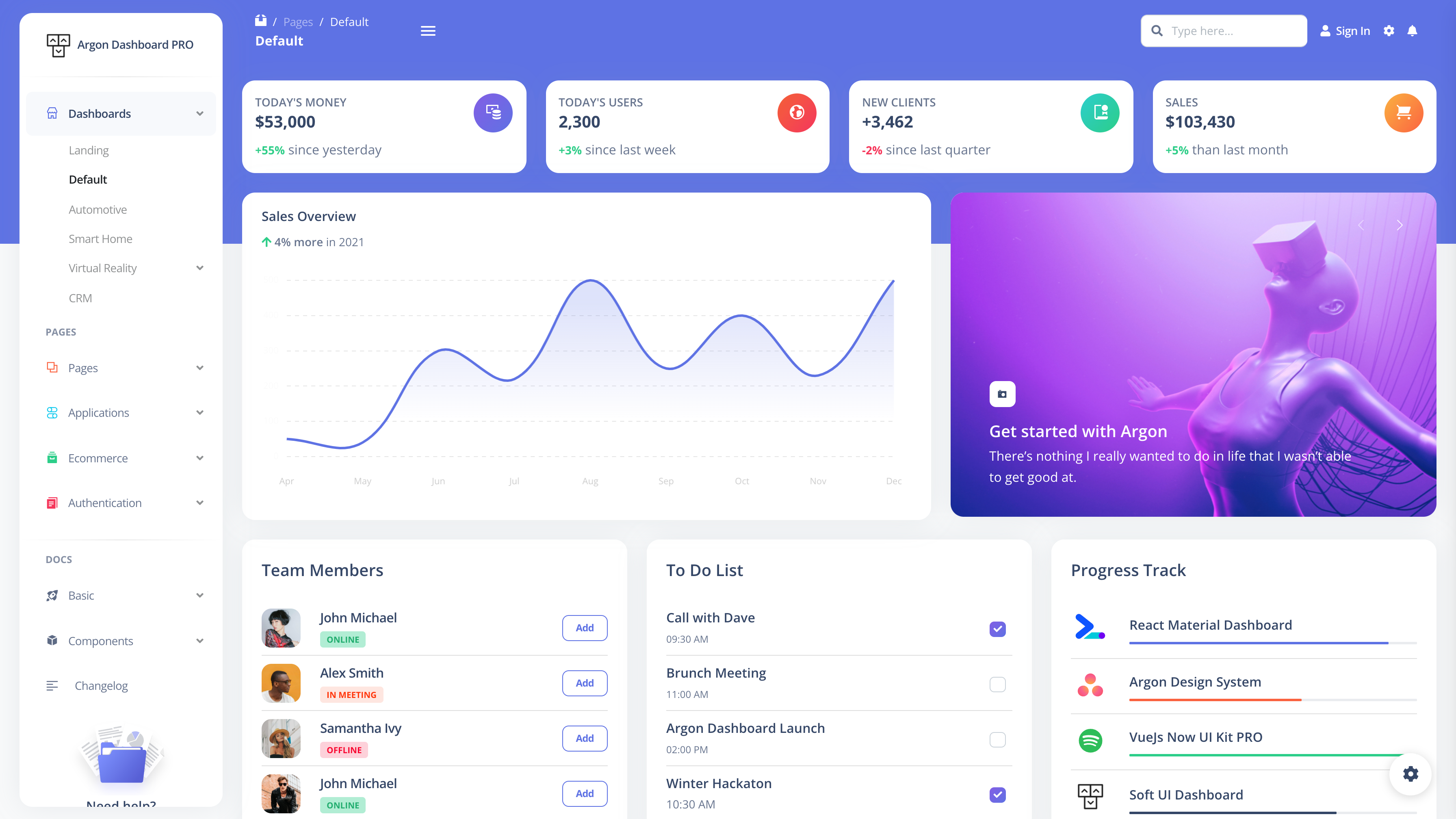
creative-tim.com — From $149 one-time
Argon Dashboard Pro pros
- Strong visual defaults and consistent design tokens
- Sass-based customization
- Large collection of prebuilt pages
Argon Dashboard Pro cons
- Page-based architecture
- Harder to extract reusable primitives
- Heavier bundle than system-based solutions
Best for
Teams that want a visually refined dashboard with minimal design effort.
Final Thoughts
Choosing the right Bootstrap dashboard is about more than looks. Performance, accessibility, clean structure, and long-term scalability matter just as much.
Templates are great for quick starts.
Systems are better for long-term products.
Bootstrap remains a strong foundation for dashboards in 2026, especially when paired with a system like Webpixels that treats UI as infrastructure, not decoration.
Free dashboards are great for prototypes and small tools, but production products usually benefit from premium templates or system-based solutions. Whether you choose a lightweight option like SB Admin 2, a polished template like Argon Dashboard Pro, or a component-driven system like Webpixels, the foundation you pick will directly impact how easily your UI evolves.
Before committing, try integrating a few components into a real project. How easy they are to extend and maintain will tell you far more than a demo screenshot ever will.